 Pagehouse
Your team's docs,
on your own server
Pagehouse is a team wiki that small organizations and teams install on their own server. Keep weekly reports, meeting notes and technical docs in one place, without sending them outside your network.
Built for teams like these
If a wiki has meant contracts, seat counts and approvals to store data outside.
Organizations of 5 to 200
No license fees and no counting seats at every renewal.
Docs that can't leave
Security policy, customer requirements or an air-gapped network rule out SaaS. Everything stays on your server.
No one to run it full time
Three containers on one server. Install, upgrade and backup are one script each.
What a wiki people like to use needs
Made so that anyone used to Confluence feels at home.
Editor
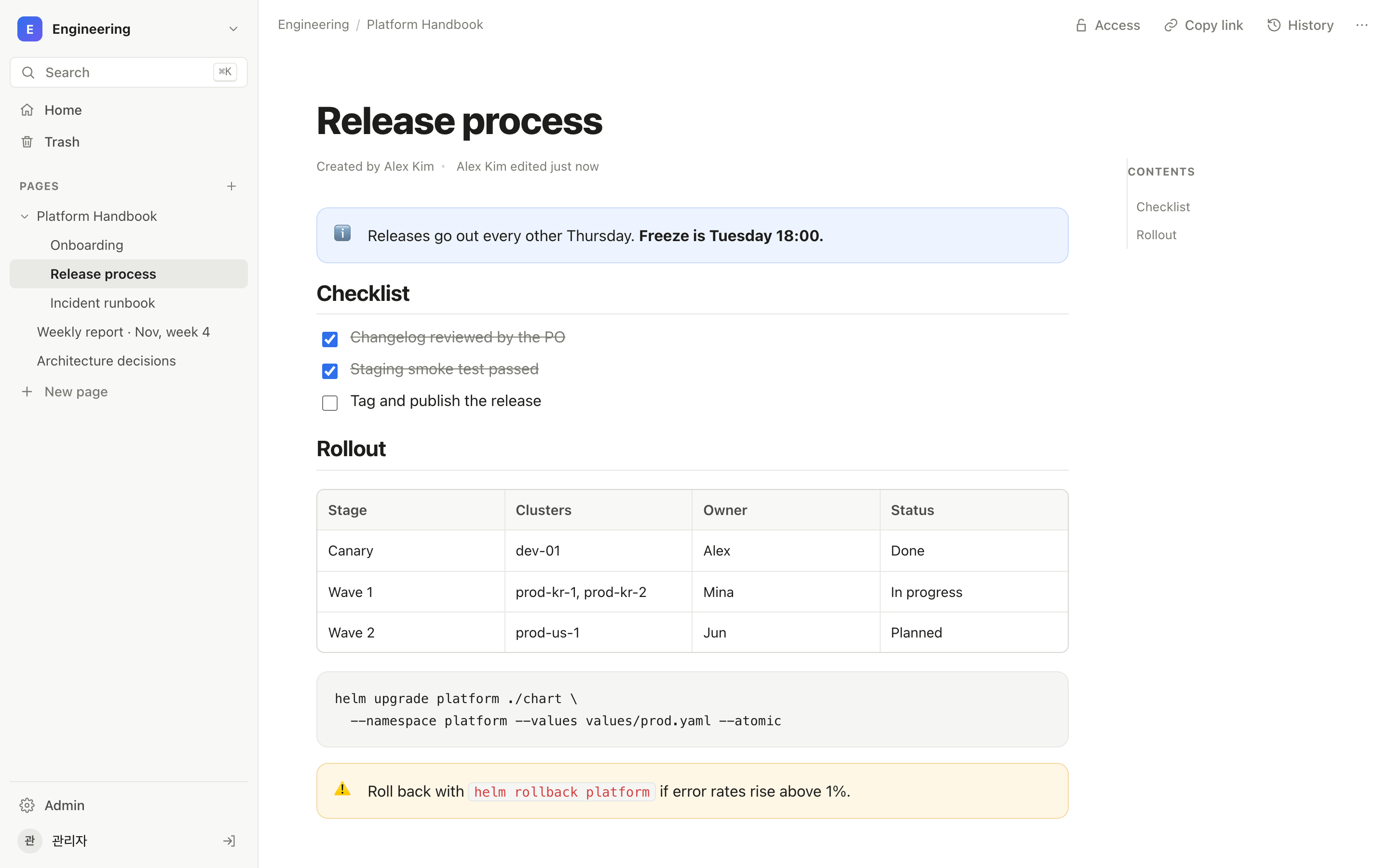
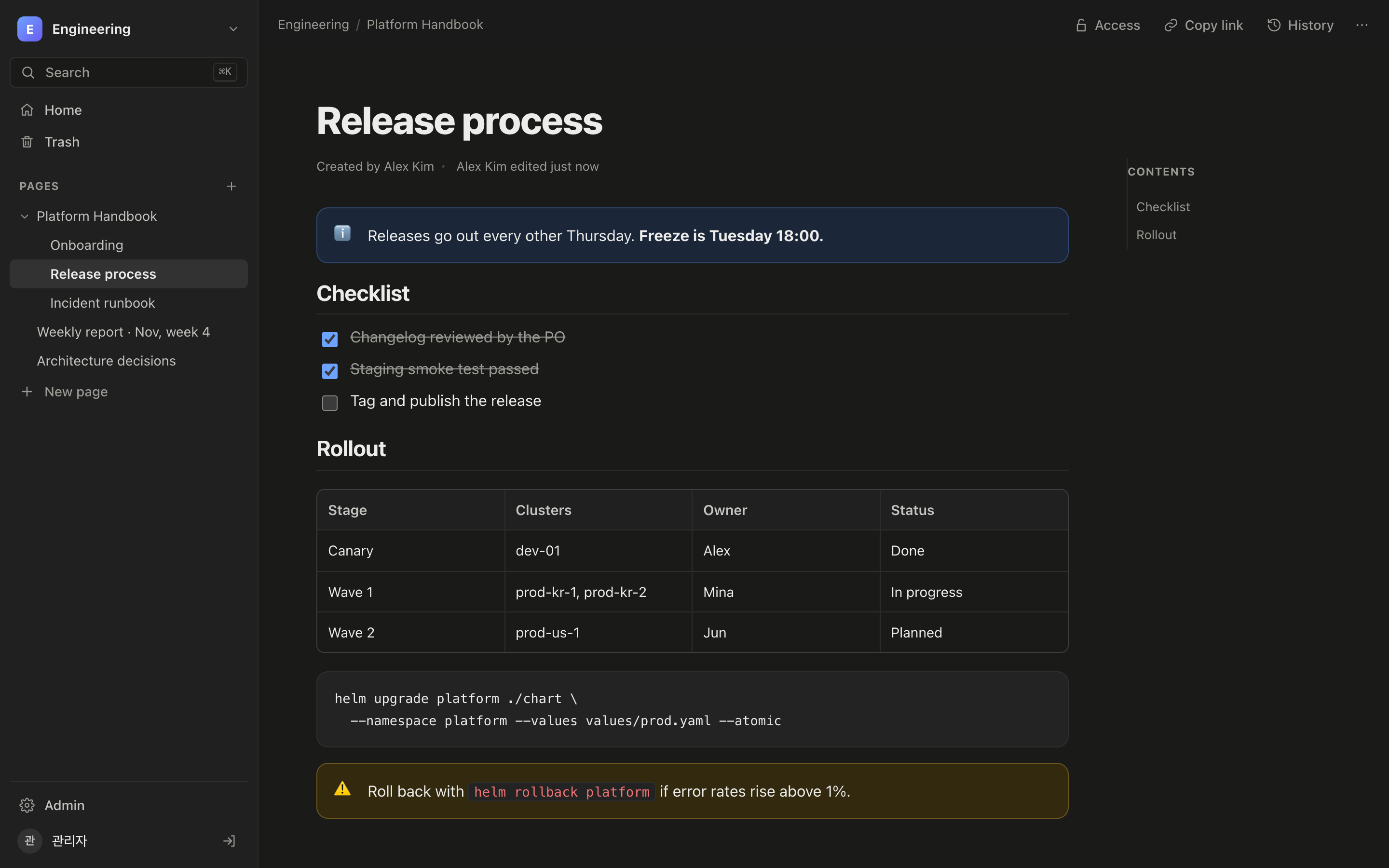
A formatting toolbar and / menu, text colors, tables with merged and colored cells, images you resize and caption, code highlighting for 45 languages, Mermaid diagrams, panels, to-dos, @ mentions.
Live collaboration
Co-editing with visible cursors, inline comments on a passage, replies and resolving, version history you can compare and restore.
Search
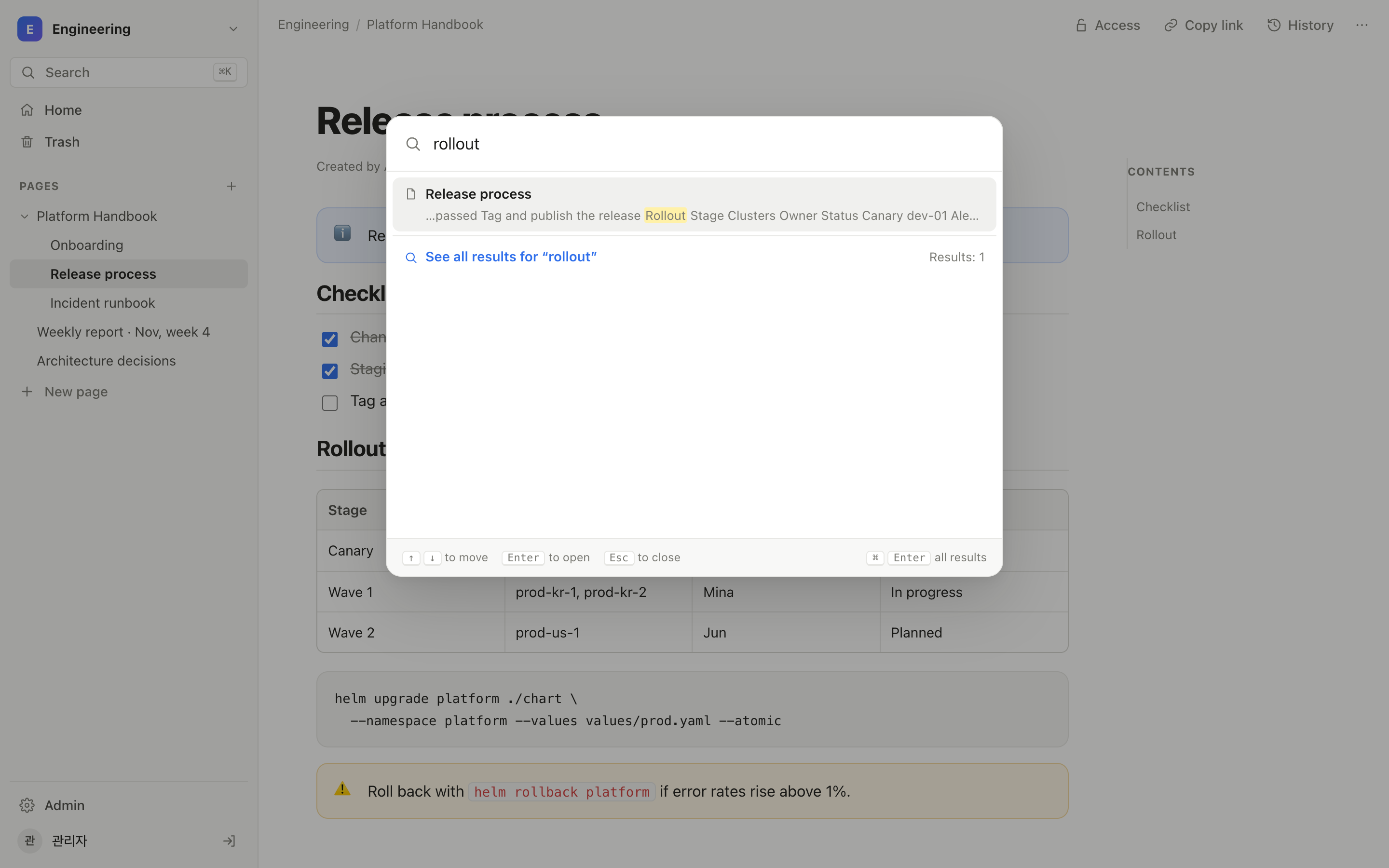
⌘K quick search and a full search page that also finds comments and attachment names, with space, author and date filters.
Permissions
Per-space visibility, roles for people and groups, view and edit restrictions per page. What you can't open never shows up in search, attachments or history.
Organizing
Spaces and a drag-and-drop page tree, copying with subpages, labels, favorites, team templates, and a trash you can restore from.
Notifications
Mentions, replies and edits to pages you watch, in the app, by email, and in chat through Slack, Mattermost or Teams webhooks.
Sign-in
Accounts from invite links, or OpenID Connect SSO turned on from the admin screen (tested with Keycloak). Signing out ends the SSO session too.
Integrations
Webhooks that send page and comment events as signed JSON, a REST API with personal tokens, and an MCP server for AI agents.
Import and export
Import from Confluence (CSV, HTML), Notion, Markdown and HTML. Export a space as Markdown or as an HTML ZIP that opens in any browser.
Your data never leaves your server
No external fonts, CDNs or telemetry. The only outbound requests are features you turn on.
| Where data lives | PostgreSQL and a file volume, all on your server. Outbound requests only for the SSO, email and webhooks you configure, and link-card previews (which you can turn off). |
|---|---|
| No internet | Install and upgrade from an offline bundle that carries the container images. |
| Nothing lost | Deleting moves to the trash and every edit stays in the history. Automatic daily backups, plus one before every upgrade and restore, with a retention policy set by admins. |
| Security | Sign-in throttling, an audit log (failed sign-ins, permission changes, deletions, exports), encrypted SSO and webhook secrets, and requests aimed at your internal network refused. |
| Leaving | Export whole spaces as Markdown or HTML. Your data isn't tied to any format. |
One server, one command
A Linux server with Docker 24+ or Podman 4+. You can start with 1 vCPU and 1 GB of memory.
Online server Simplest
Creates the database password and encryption key, pulls the images and starts the service.
curl -fsSL https://github.com/spro1/pagehouse/releases/latest/download/install.sh | sh -s -- --dir /opt/pagehouseAir-gapped
Download the offline bundle from the releases page, carry it over, and run it. Nothing is downloaded.
tar xzf pagehouse-<version>-offline-amd64.tar.gz
sh pagehouse-<version>/install.sh --dir /opt/pagehouse
Kubernetes
Installs PostgreSQL, a daily backup CronJob and the database password along with it.
helm install wiki pagehouse-<version>.tgz -n wiki --create-namespace \
  --set ingress.enabled=true --set ingress.host=wiki.example.com
To upgrade, run scripts/upgrade.sh <version> in the install folder. See the install guide and the upgrade guide.
Moving from Confluence
Upload the space export as it is; the page tree and attachments come along.
Export
In Confluence, Space settings → Export, as HTML or CSV.
Import
Upload the ZIP under Import on the Pagehouse home screen. Preview the pages, then confirm.
Check
Page order, folders, attachments, labels and macros such as code, panels and Jira are converted. Pages that need a look are marked.
Questions
Is it really free?
Yes. It's open source under Apache-2.0 with no user limits. You only pay for the server.
How many people can use it?
About 200 on 2 to 4 vCPUs and 4 GB of memory. Larger organizations can run several app instances on Kubernetes with an external PostgreSQL.
Can people sign in with company accounts (SSO)?
Yes, with OpenID Connect, turned on in Admin → SSO. It has been tested with Keycloak.
Is it ready to use?
Yes, teams use it for real work. Until 1.0 some things may still change between versions, so read the upgrade guide before upgrading. Automatic backups are on by default, and every release is tested by installing the previous one and upgrading it.
Found a problem or have an idea?
Open a GitHub issue. Report security issues privately.
Install it today, use it tomorrow
The first account becomes the administrator. Send invite links and your team is in.